For years, going native meant building everything twice. Two languages, two teams, two timelines. That tax pushed a lot of teams toward a single cross-platform codebase by default. In 2026, that calculation has flipped for most apps. If your product is not a game and does not need a dedicated game engine, building natively in SwiftUI and Jetpack Compose is now one of the fastest paths to a polished iOS and Android app, especially with an AI assistant in the loop.
The old objection was effort: why write a screen in Swift and then write it again in Kotlin? But modern SwiftUI and Jetpack Compose have quietly converged on the same ideas. Both are declarative. Both are reactive. Both steer you toward the same MVVM structure. The two codebases end up looking like translations of each other rather than separate inventions, and translation is exactly the kind of work AI is excellent at.
Once you accept that SwiftUI and Compose are dialects of the same language, the whole project organizes itself. You describe your UI as a function of state, you push logic into a ViewModel, and the framework re-renders when state changes. The vocabulary maps almost one to one:
The real win is not copying individual views. It is mirroring the whole project. Because both platforms reward MVVM, you can lay out the two repositories almost identically: the same folder structure, the same models, the same services and repositories, the same ViewModels, the same reusable components, even the same file names. A developer who knows the iOS project can open the Android project and instantly know where everything lives.
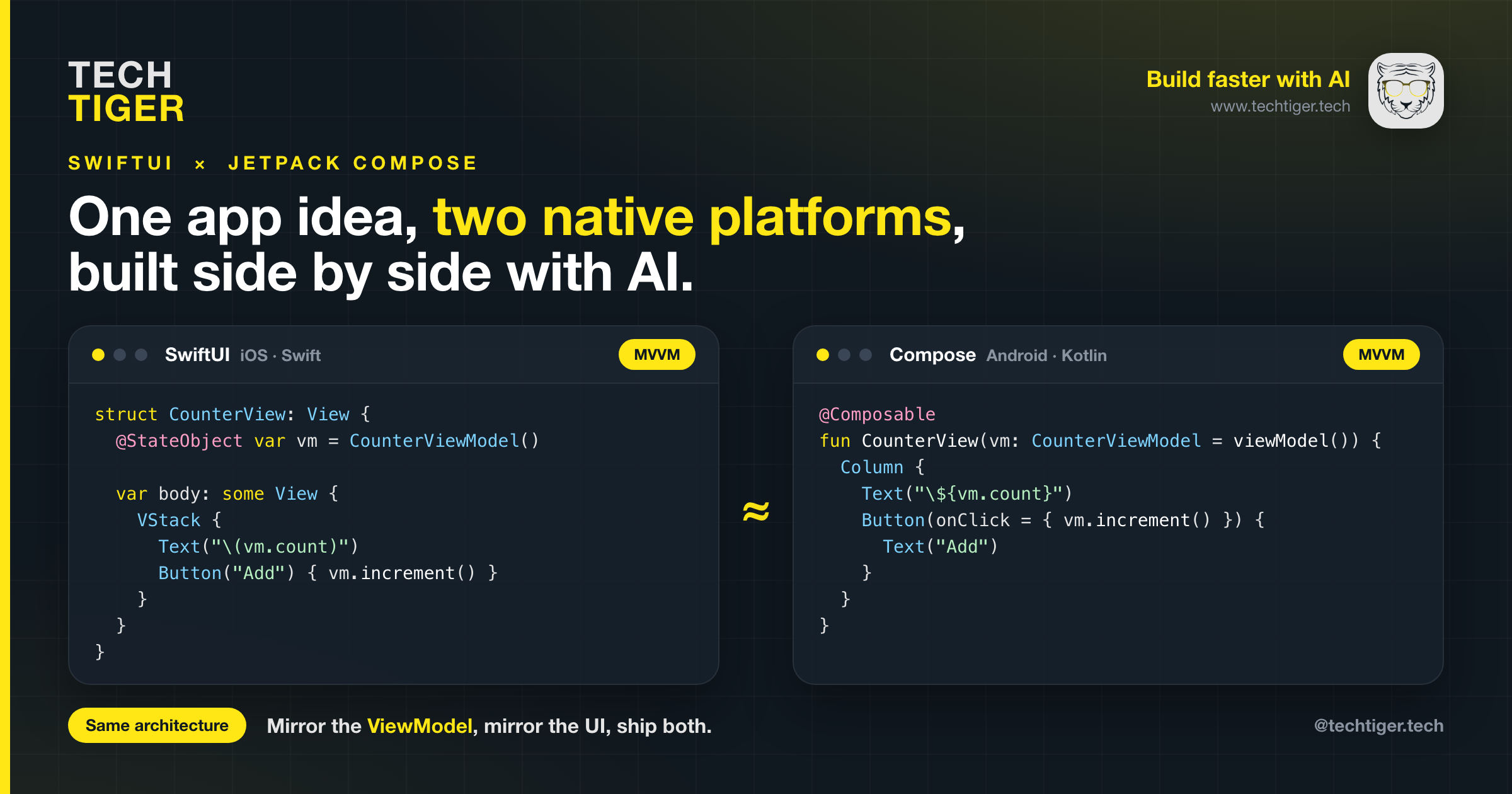
Here is the same counter feature in both. Notice how little the shape changes.
struct CounterView: View {
  @StateObject var vm = CounterViewModel()

  var body: some View {
    VStack {
      Text("\(vm.count)")
      Button("Add") { vm.increment() }
    }
  }
}@Composable
fun CounterView(vm: CounterViewModel = viewModel()) {
Column {
Text("${vm.count}")
Button(onClick = { vm.increment() }) {
Text("Add")
}
}
}The ViewModel mirrors just as cleanly: an observable count and an increment function on each side. Once one platform exists, the other is a guided translation rather than a fresh design problem.
There is no single right workflow. Pick the one that fits the feature and your team.
Build a feature end to end on one platform, get it exactly how you want it, then hand the SwiftUI files to an AI assistant and ask it to produce the Jetpack Compose equivalent (or the reverse). Because the architecture matches, the model has a clear target. You review the output against a working reference instead of a blank page. This is the fastest way to keep two platforms in lockstep feature by feature.
For larger products, treat each platform as a first-class native project and run a normal software development lifecycle: shared specs and designs, parallel implementation, native tests, and platform-specific polish where it matters (widgets, share sheets, Material vs Cupertino conventions). AI accelerates every stage, but you are never fighting a cross-platform abstraction when you need to reach for something only iOS or only Android offers.
This is not an argument against everything else. If you are building a game or anything that needs a real-time rendering loop and a game engine, reach for the right tool: Flame, Unity, or a custom engine. And if your priority is one team shipping one codebase and you are comfortable with the trade-offs, Flutter or React Native are still excellent choices. The point is narrower and more useful: for a standard, non-game app, native is no longer the slow option. With matched MVVM architecture and AI doing the translation, two native apps can be nearly as fast to ship as one.
At Tech TigeR we build native iOS and Android apps in parallel, with mirrored SwiftUI and Jetpack Compose architectures and AI woven through the workflow, so you get two genuinely native experiences without doubling your timeline. If you have an app idea that does not need a game engine, this is very likely the fastest, cleanest way to ship it on both platforms. Let us build your product faster.

